
IceRiver Monitor
IceRiver Monitor delivers real-time hashrate, fan, temperature, and uptime visibility for supported IceRiver miners on your local network.
Download IceRiver Monitor (.zip)Find IceRiver Monitor and MinerTool references, model-specific firmware guidance, current miner specifications, setup, pool configuration, and troubleshooting walkthroughs in one place.
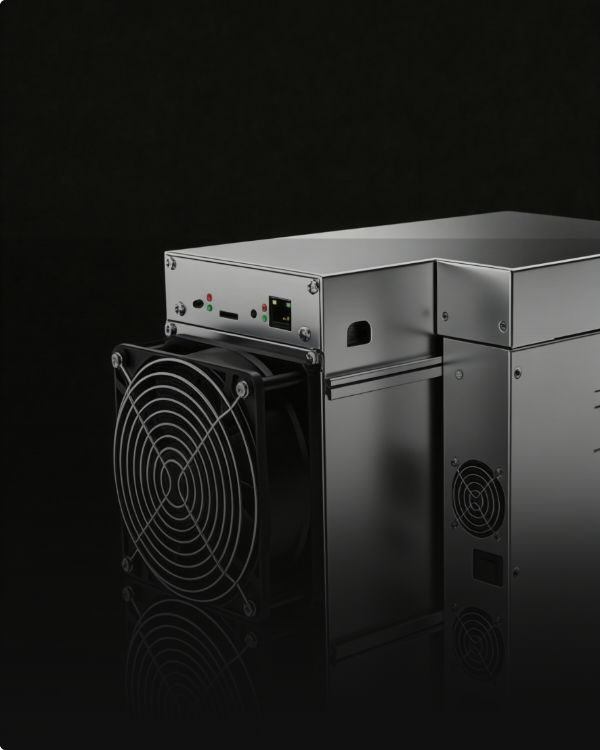
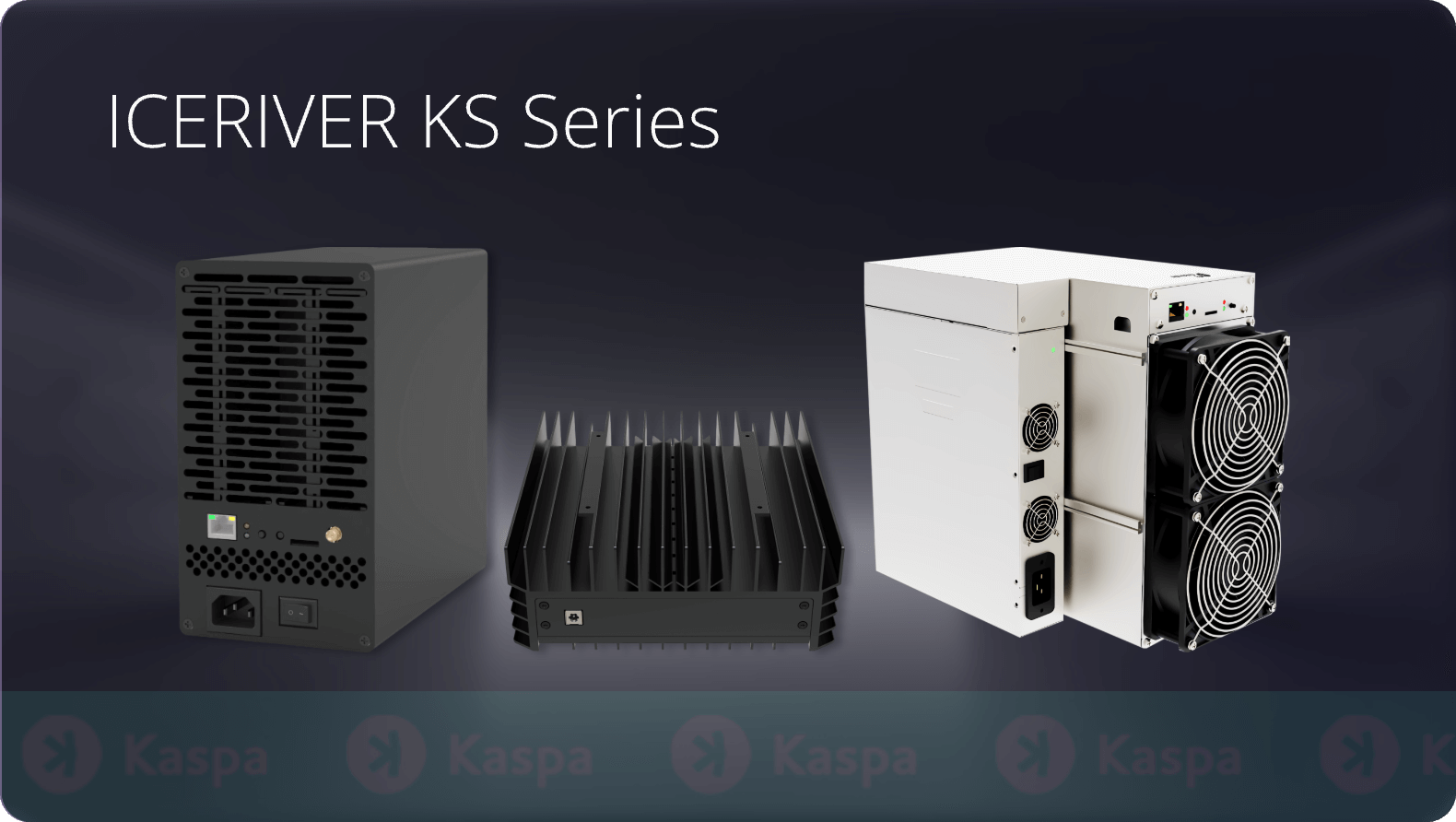
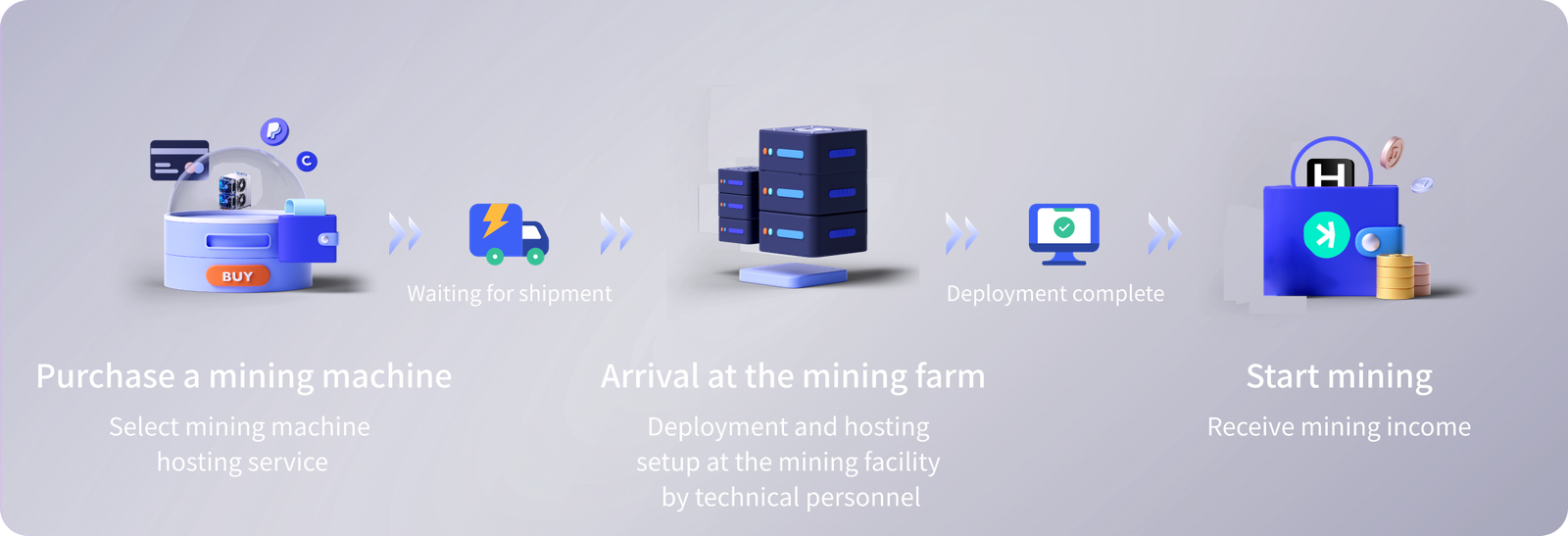
Browse product, hosting, and platform visuals for IceRiver KAS, ALPH, RXD, and ALEO ASIC miners.
Start with the Windows utilities for discovery, monitoring, and local-network miner management. The available Windows tools are linked below as ZIP archives. Review the package and publisher before execution.
IceRiver Monitor delivers real-time hashrate, fan, temperature, and uptime visibility for supported IceRiver miners on your local network.
Download IceRiver Monitor (.zip)IceRiver MinerTool scans the local subnet, finds miners, batch-configures pools, and assists with firmware uploads and IP management.
Download IceRiver MinerTool (.zip)Use the resources in order: software for discovery and monitoring, firmware guidance for safe updates, then setup and troubleshooting for ongoing operation.
Get IceRiver Monitor and IceRiver MinerTool for Windows. Discover miners, monitor performance, and prepare devices for production.
Open software downloadsReview supported KAS, ALPH, RXD, and ALEO model families, download requirements, and the safe upgrade workflow before applying any firmware.
Open firmware pageUse the setup, troubleshooting, FAQ, and manuals pages to complete first-time configuration and resolve issues quickly.
Open support pageConfirm your exact miner family before downloading firmware, configuring pools, or installing updates. The IceRiver KAS line covers kHeavyHash/Kaspa, ALPH covers Blake3/Alephium, RXD covers Sha512256d/Radiant, and ALEO covers zkSNARK/Aleo mining.
| Model | Algorithm | Coin | Hashrate | Power | Efficiency | Released |
|---|---|---|---|---|---|---|
| KS0 | kHeavyHash | Kaspa | 100 GH/s | 65 W | 0.65 J/GH | 2023-09 |
| KS0 Pro | kHeavyHash | Kaspa | 200 GH/s | 100 W | 0.5 J/GH | 2023-11 |
| KS0 Ultra | kHeavyHash | Kaspa | 400 GH/s | 100 W | 0.25 J/GH | 2024-05 |
| KS1 | kHeavyHash | Kaspa | 1 TH/s | 600 W | 0.6 J/GH | 2023-09 |
| KS2 | kHeavyHash | Kaspa | 2 TH/s | 1200 W | 0.6 J/GH | 2023-09 |
| KS2 Lite | kHeavyHash | Kaspa | 1.6 TH/s | 1000 W | 0.625 J/GH | 2024-04 |
| KS3 | kHeavyHash | Kaspa | 8 TH/s | 3200 W | 0.4 J/GH | 2023-09 |
| KS3L | kHeavyHash | Kaspa | 5 TH/s | 3400 W | 0.68 J/GH | 2024-02 |
| KS3M | kHeavyHash | Kaspa | 6 TH/s | 3400 W | 0.567 J/GH | 2024-02 |
| KS5L | kHeavyHash | Kaspa | 12 TH/s | 3400 W | 0.283 J/GH | 2024-07 |
| KS5M | kHeavyHash | Kaspa | 15 TH/s | 3400 W | 0.227 J/GH | 2024-07 |
| KS7 Lite | kHeavyHash | Kaspa | 4.2 TH/s | 500 W | 0.119 J/GH | 2025-04 |
| KS7 | kHeavyHash | Kaspa | 30 TH/s | 3500 W | 0.117 J/GH | 2025-04 |
| AL0 | Blake3 | Alephium | 400 GH/s | 100 W | 0.25 J/GH | 2024-08 |
| AL2 Lite | Blake3 | Alephium | 2 TH/s | 500 W | 0.25 J/GH | 2024-12 |
| AL3 | Blake3 | Alephium | 15 TH/s | 3500 W | 0.233 J/GH | 2025 |
| RX0 | Sha512256d | Radiant RXD | 260 GH/s | 100 W | 0.385 J/GH | 2024-09 |
| AE0 | zkSNARK | Aleo | 60 MH/s | 100 W | 1.67 J/MH | 2025-03 |
| AE1 Lite | zkSNARK | Aleo | 300 MH/s | 500 W | 1.67 J/MH | 2025 |
| AE3 | zkSNARK | Aleo | 2 GH/s | 3400 W | 1.7 J/MH | 2026 |
Browse per-model pages with firmware links and specifications.
Always match the firmware package to the exact model shown inside the miner web interface. Mixing firmware between models is not supported and may disable the device.
Watch hands-on video guides covering setup, miner discovery, firmware updates, and full reviews of IceRiver ASIC miners.
End-to-end review of the IceRiver KS3M Kaspa miner: unboxing, hashrate verification, web interface and pool configuration.
Quick visual guide to the IceRiver setup workflow: discover the miner IP, log in, set the pool, and verify mining.
Walkthrough of IceRiver MinerTool for scanning, configuring, and managing fleets of KS series ASIC miners.
Step-by-step demonstration of safely applying IceRiver firmware to KS series miners with stability checks.
We collect IceRiver tool references, firmware notes, and operational checklists into a single fast-loading hub.
Firmware ZIP files and Windows software archives are mirrored locally with file details. Firmware cards also keep the original ICERIVER source URLs.
Verified specifications and firmware notes for KS0 through KS7, AL0, AL2 Lite, AL3, RX0, AE0, AE1 Lite, and AE3.
Full miner setup walkthroughs, default credentials reminder, common pool URLs, error code reference, and reset procedures.
Available in English, Spanish, Portuguese, French, German, Italian, Russian, Turkish, Chinese, Japanese, and Korean with consistent model references.
Use the Software page for local Monitor and MinerTool archives with file details. Use the Firmware page for local mirrored firmware ZIP files with source URLs and file sizes.
Run IceRiver Monitor or IceRiver MinerTool on a Windows computer connected to the same local network as the miner. Press the IP button on the device for 1-2 seconds and the IP address will appear in the tool.
Open the miner web interface and read the exact model name and current firmware version. The firmware filename always contains the model code (for example ICERIVER-KAS-KS3-yyyymmdd). Never apply firmware intended for a different model.